Comparison
Zuuna vs Jira: the lean alternative for developer teams
Jira without the baggage: Zuuna links board, git and pipeline in one place, GDPR-compliant and hosted in Germany. The honest comparison.
Last updated:
Jira can do everything, and that is often the problem. For many developer teams it is too heavy, too slow to set up, and too expensive for what they actually use. Zuuna gives you the parts that matter (board, sprints, git and releases) in one place, without the admin overhead.
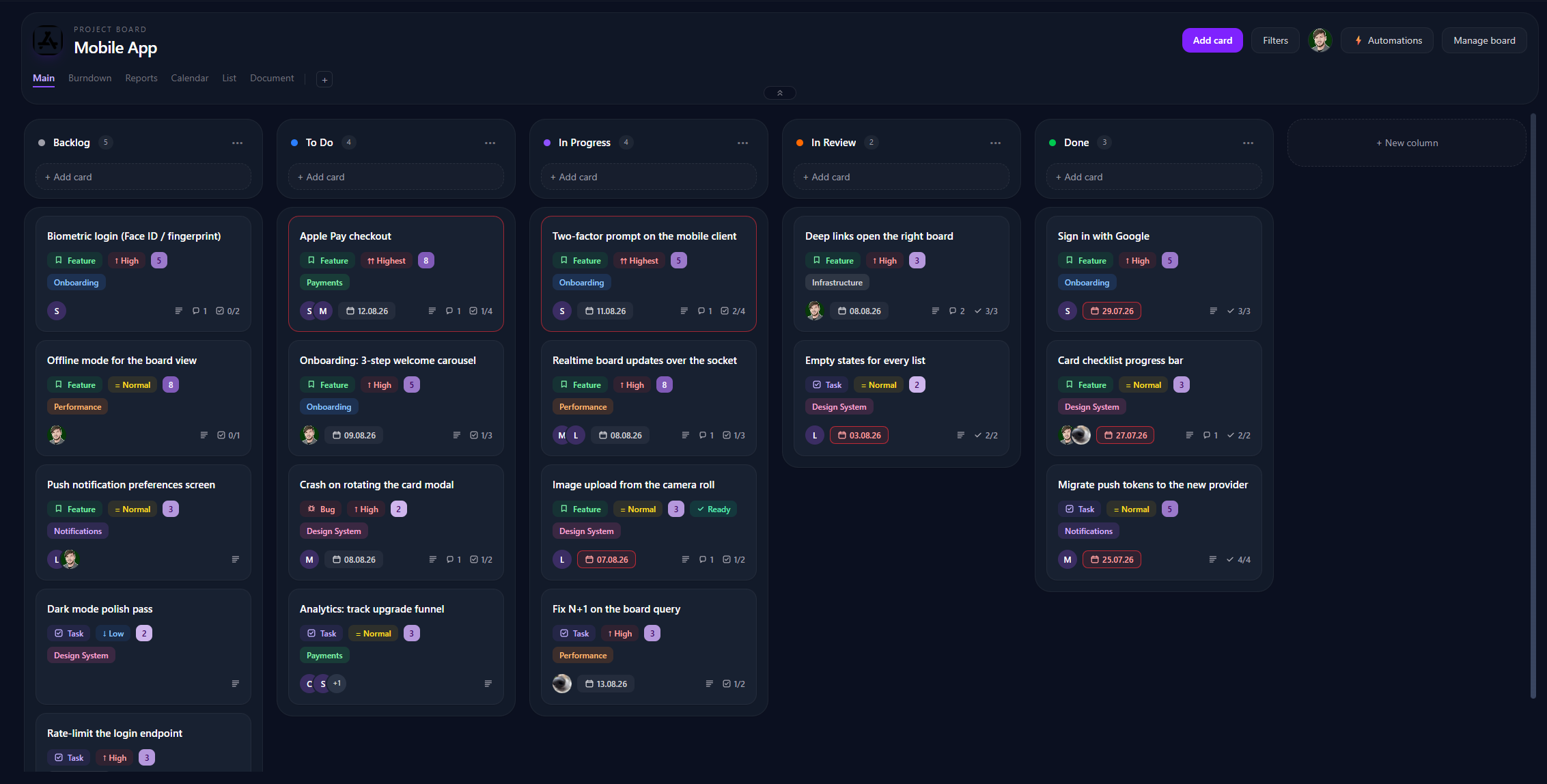
Zuuna vs Jira at a glance
| Criterion | Zuuna | Jira |
|---|---|---|
| Setup | Minutes | Hours to days |
| Git on the card | Built in (any host) | Via apps/integration |
| The Code Graph | Yes (“what shipped with no ticket”) | No |
| Releases bound to git tags | Yes, + deploy in one click | Partial, via add-ons |
| Documents & time tracking | Built in | Add-ons |
| Hosting | Germany / EU | US vendor |
| Price | from €24/seat (Developer) | Tiered + add-ons |
Where Zuuna wins
- Git-native. Mention a card ID in a commit or branch and the work links itself. Commits, pull requests and CI status show right on the card. How that plays together with releases and deploy gates: kanban with git integration.
- The Code Graph. See on one page what your team actually built: releases as bands on a timeline, open branches, and every commit that shipped with no ticket. Jira simply can’t do this.
- Everything built in. Documents, time tracking, calendar and automations are included, not paid add-ons.
- At home in the EU. Hosted in Germany, GDPR-compliant, with a DPA.
Where Jira still wins
Fair is fair: Jira has a huge marketplace ecosystem, scales to very large organisations, and is deeply embedded in enterprise processes. If you need hundreds of custom workflows and marketplace apps, Jira is stronger there.
Moving from Jira
Jira connects directly: create an API token in your Atlassian account, enter the site URL, email, and token in Zuuna, and Zuuna reads the project over the REST API: no CSV detour, with the field mapping already filled in. Comments, checklists, sprints, epics and logged work come across; the attachment files stay in Jira while their names and links come along. Alternatively upload the „Excel CSV (all fields)“ export: the Jira import profile proposes the column mapping for you.
Not on Jira Cloud but on Data Center or Server? Atlassian is ending the Data Center product line on March 28, 2029: the timeline, the options, and an honest recommendation.
Where the data sits, who processes it and what we explicitly do not claim is set out on the security and privacy page (subprocessor table included).
The price comparison for your team size
Per seat, a comparison often looks different than it does in a table: run it with your own numbers.
If you decide to switch
The mechanics are written up separately: migrate from Jira to Zuuna (by API token or via the CSV export).
Rather not do it yourself? We migrate your board for free as a concierge migration: request it once, usually done within a day.
FAQ
Can I import my data from Jira?
Yes. The quickest route skips the file: connect Jira with an API token, pick the project, done. No app registration and no administrator needed. Or upload the „Excel CSV (all fields)“ export instead. Comments, checklists, sprints, epics and logged work come across; the attachment files stay in Jira, while their names and links come along. The import runs once, it does not sync.
Is Zuuna GDPR-compliant?
Yes. Zuuna is hosted in Germany, offers a Data Processing Agreement (DPA), and ships security features like 2FA, SSO and an audit log.
Do I need a specific plan for the git features?
Git on the board, sprints and releases are included in the Developer plan.